Bizon Quality
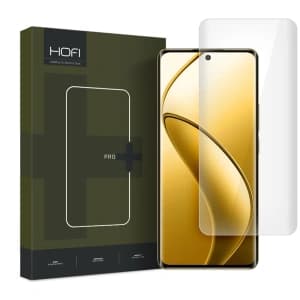
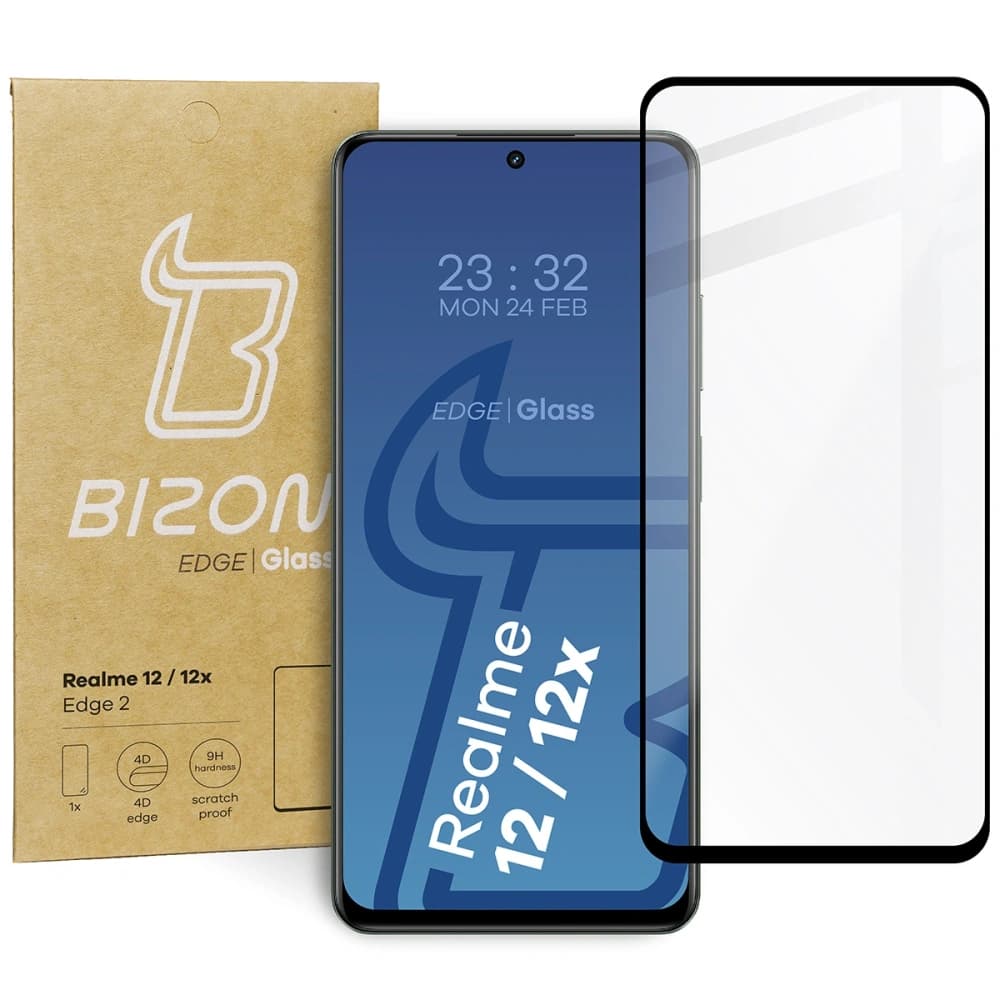
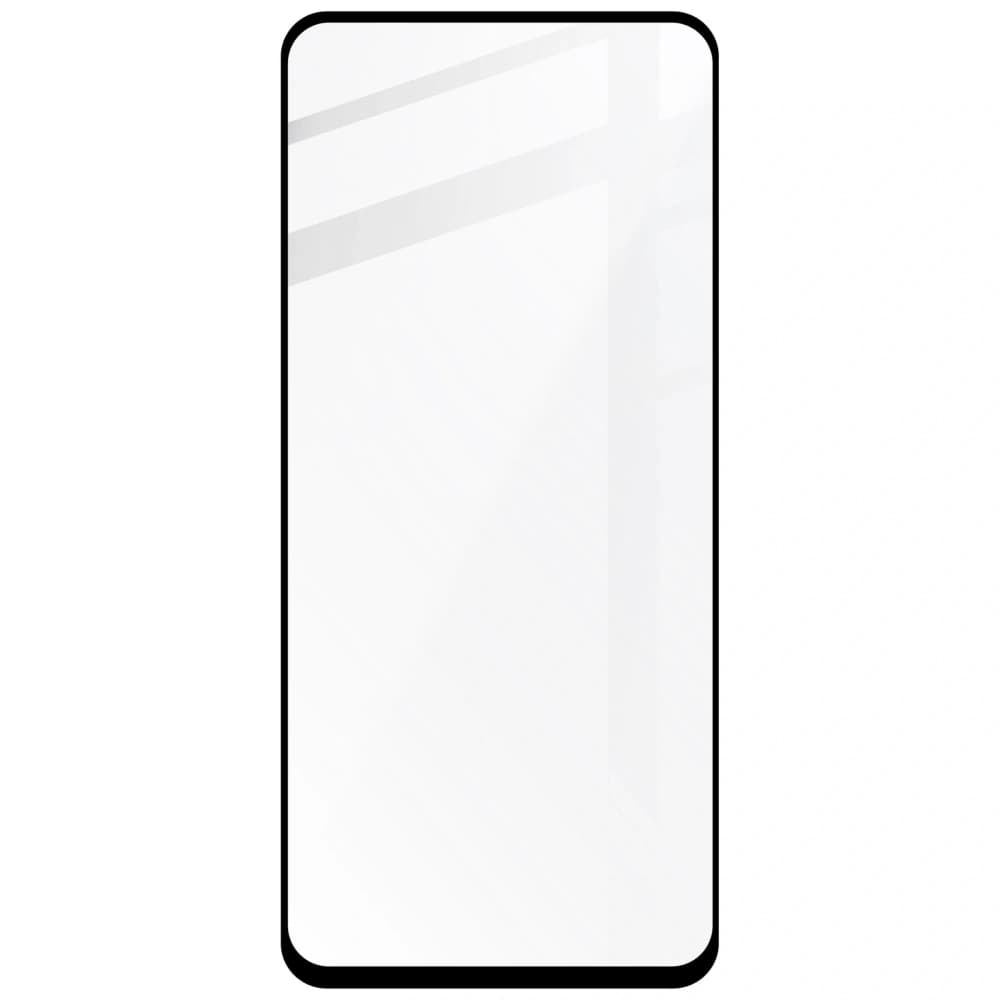
The tempered glass from Bizon Glass of the Edge 2 series is perfect for protection, as it has an increased surface area that secures the display with minimal margin. The product features high transparency, maintained touch sensitivity, and uses an oleophobic coating that reduces fingerprints.
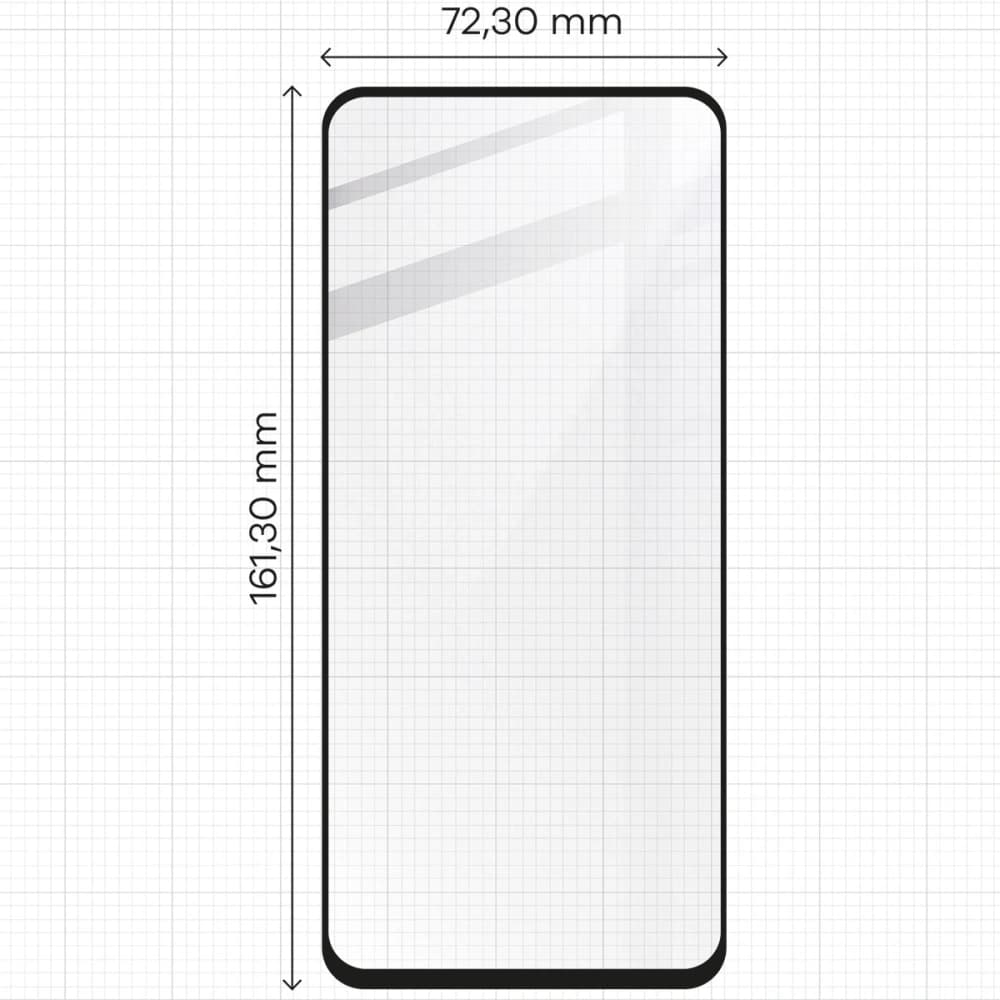
Glass dimensions: 16.13 x 7.23 cm
When choosing a case, make sure that the glass is smaller than the internal dimensions of the case.
Note! Depending on the device model, Bizon Glass Edge may not be compatible with cases. The width of the black frame may vary slightly. This does not affect the quality of the product.
Beneficial Difference
Glass Edge 2 primarily offers high-quality workmanship and precise dimensions, allowing for coverage of almost the entire screen. In this improved version, the surface of the glass is smoother, making the touch experience more fluid. During use, you will not notice a significant difference in the displayed image, as Glass Edge 2 features high transparency! The visible black frame is narrower, and the glass itself is more resistant and flexible than in the original version of this product.
Package Contents
- glass Bizon Glass Edge 2 – 1 piece
- dry microfiber cloth – 1 piece
- wet screen cleaning cloth – 1 piece
- positioning stickers – 3 pieces
- dust and particle picking tape – 1 piece
Instructions
- Preparation — remember to ensure good lighting and a clean surface free from dust.
- Check – whether the glass you have is suitable for your phone model.
- Cleaning the phone screen — use the application kit: the wet screen cleaning cloth and the dry microfiber cloth.
- Application – apply the glass after removing the protective layer, you may use positioning stickers to assist.
- Corrections – if you find dust particles under the glass, lift the glass and use the round sticker to pick up particles.
Note! After installing the tempered glass, an air halo may appear around the screen! This effect is a natural process that occurs individually and depends on the curves of the specific model.
Price
€6,02Rating
Express Checkout 1-Click
Bizon Quality
The tempered glass from Bizon Glass of the Edge 2 series is perfect for protection, as it has an increased surface area that secures the display with minimal margin. The product features high transparency, maintained touch sensitivity, and uses an oleophobic coating that reduces fingerprints.
Glass dimensions: 16.13 x 7.23 cm
When choosing a case, make sure that the glass is smaller than the internal dimensions of the case.
Note! Depending on the device model, Bizon Glass Edge may not be compatible with cases. The width of the black frame may vary slightly. This does not affect the quality of the product.
Beneficial Difference
Glass Edge 2 primarily offers high-quality workmanship and precise dimensions, allowing for coverage of almost the entire screen. In this improved version, the surface of the glass is smoother, making the touch experience more fluid. During use, you will not notice a significant difference in the displayed image, as Glass Edge 2 features high transparency! The visible black frame is narrower, and the glass itself is more resistant and flexible than in the original version of this product.
Package Contents
- glass Bizon Glass Edge 2 – 1 piece
- dry microfiber cloth – 1 piece
- wet screen cleaning cloth – 1 piece
- positioning stickers – 3 pieces
- dust and particle picking tape – 1 piece
Instructions
- Preparation — remember to ensure good lighting and a clean surface free from dust.
- Check – whether the glass you have is suitable for your phone model.
- Cleaning the phone screen — use the application kit: the wet screen cleaning cloth and the dry microfiber cloth.
- Application – apply the glass after removing the protective layer, you may use positioning stickers to assist.
- Corrections – if you find dust particles under the glass, lift the glass and use the round sticker to pick up particles.
Note! After installing the tempered glass, an air halo may appear around the screen! This effect is a natural process that occurs individually and depends on the curves of the specific model.
Related products
Products you might be interested in